
Whether it’s a sluggish PC or a broken appliance, Cintri Technologies provides honest repairs at honest prices.
Computer & laptop repairs, upgrades, virus removal, data recovery, Wi-Fi & networking, business IT and computer sales.
Select IT SupportWe look after your white appliances, you do life. Repairs and deep cleaning for washing machines, tumble dryers, dishwashers, microwaves and electric stoves.
Select Appliance RepairsExpert help for computers, laptops, networks and software – for home users and businesses. Drop off at our workshop, book an on-site visit, or get help remotely.
Whatever's wrong with your tech, we diagnose it, explain it in plain language and fix it properly.
Desktop, laptop and all-in-one hardware repairs.
Make your current machine feel new again.
Setup, installation and friendly user support.
Clean up infections and keep threats out.
Protect what matters – photos, documents, business files.
Fast, reliable connectivity throughout your home or office.

Home users get patient, jargon-free help. Small businesses get a dependable IT partner without the cost of an in-house IT department.
Call, WhatsApp or send the form and describe the issues you are experiencing.
We find the real cause and explain it in plain language.
You get a clear quote. No work starts without your OK.
We repair, test thoroughly and hand it back ready to use.
Bring your device to Clinic Road, Muldersdrift, Mogale City, 1747.
We come to your home or office for networks, setups and urgent issues.
Quick software fixes over a secure remote connection.
Quality computers and laptops for home, study, business and gaming – matched to your needs and budget, not upsold.

Buying a computer shouldn't be a gamble. Here's what we tell our own customers before they spend a cent.
Email, browsing and school work need far less power than accounting software, design work or gaming. Know your main use first, then buy for that, not for the sticker.
A solid-state drive is the single biggest speed difference you'll feel. Avoid machines with only a mechanical hard drive. Aim for 512 GB if you keep lots of photos or files.
8 GB is the minimum for Windows 11 to run comfortably. Choose 16 GB if you keep many programs or browser tabs open, or work from home.
For everyday use, look for at least an Intel Core i3 or AMD Ryzen 3; Core i5 / Ryzen 5 is the sweet spot. Be wary of very cheap Celeron, Pentium or Athlon models. They feel slow quickly.
Look for a Full HD (1920 × 1080) display. Lower resolutions look grainy and fit less on screen, and an IPS panel gives better colours and viewing angles.
For a laptop, check real-world battery life, not just the advertised figure. For a desktop, budget for a small UPS so a power cut doesn't mean lost work.
Make sure there's a local warranty and a genuine, activated copy of Windows. "Too good to be true" deals often skip one or both.
A refurbished business-grade laptop (think Dell Latitude, HP EliteBook or Lenovo ThinkPad) is often better built and better value than a new budget model.
Moving your files, emails and passwords across, setting up antivirus and backups, and removing pre-installed junk is part of the job. Ask about it before you buy.
Tell us what you need it for and your budget, and we'll point you in the right direction, whether you buy from us or not.
We take care to protect your data on every job. Where a repair could affect your files (e.g. a Windows reinstall or drive replacement), we'll discuss a backup with you first.
Often, yes – an SSD and memory upgrade can make an older laptop feel new for a fraction of the price of a replacement. If a repair isn't worth it, we'll tell you honestly and help you choose a replacement.
Yes. We support small businesses with on-site help, new PC setups, email and Microsoft 365, office networks and backups.
It depends on the fault and whether parts need to be ordered. We'll give you an estimated turnaround together with your quote.
Many software problems can be fixed remotely over a secure connection – contact us and we'll let you know if your issue can be handled that way.
Tell us what's happening and we'll get you sorted.
Washing machine, tumble dryer, dishwasher, microwave and electric stove repairs, plus professional deep cleaning that cleans the inner parts of your machine you never see.

A faulty dishwasher, cold dryer, or backed-up washer can disrupt your whole day. We step in to fix the fault—and keep your appliances clean and running smoothly for the long haul.
We focus on the machines that keep a home running, so we know them inside and out.


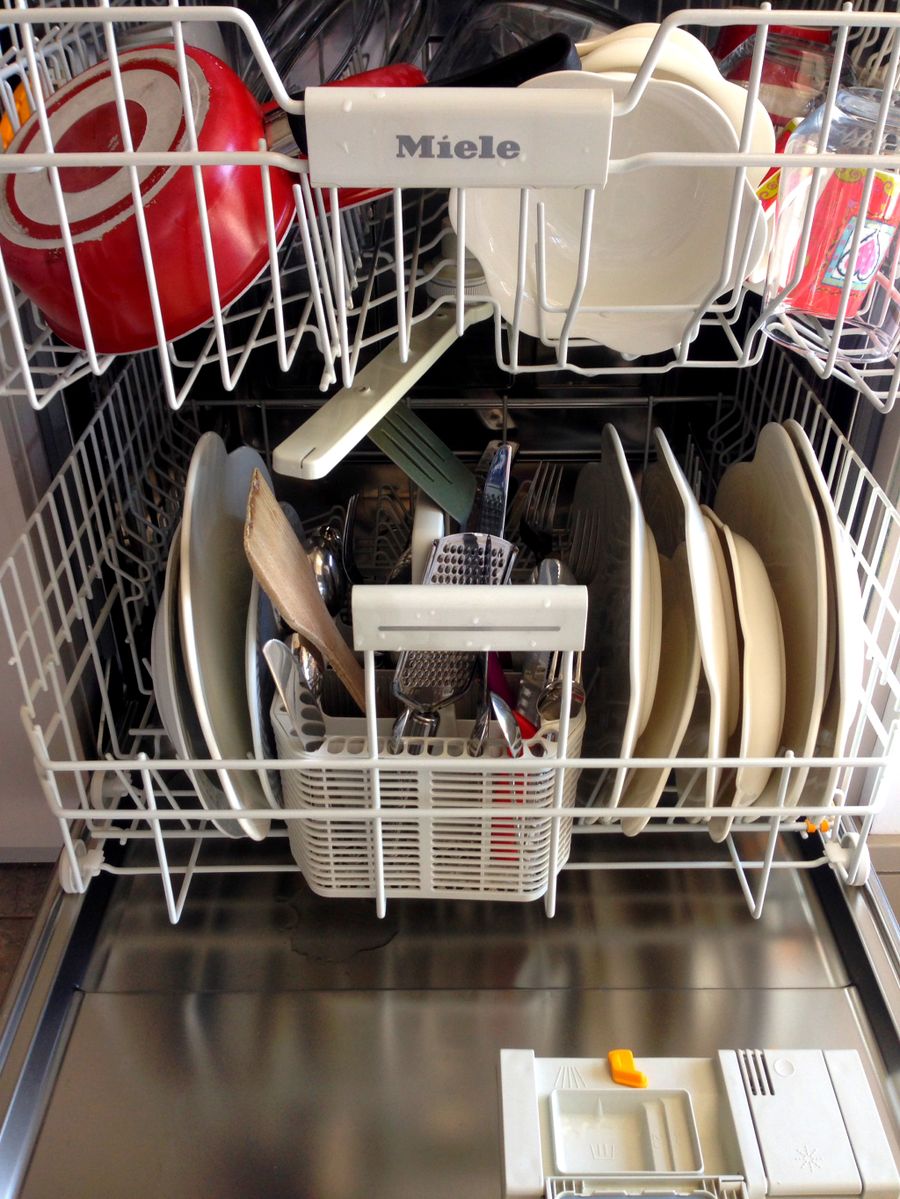


⚠ Microwaves hold dangerous high voltage even when unplugged. Please leave microwave repairs to us.
Every wash leaves something behind: detergent and softener residue, lint, hair, limescale and, over time, mould. It builds up in places a normal clean never reaches, like behind the door seal, inside the detergent drawer housing, in the pump filter and on the heating element.
This is the build-up we remove during a deep clean. Drag the slider to see the difference.

 BeforeAfter
Washing machine detergent drawer. Old powder, softener sludge and mould. Removed, cleaned and refitted.

 BeforeAfter
Tumble dryer lint filter, same filter before and after. A clogged filter makes the dryer run longer and hotter, and it's a fire risk.

 BeforeAfter
Washing machine drum, removed and deep cleaned. Years of detergent scum, limescale and grime stripped back to shining stainless steel.
Lint filter photos are example images.
Call or WhatsApp us. A photo of the machine and its model label helps.
We find the cause and give you a clear quote before any work starts.
We fix the fault and/or deep clean the machine inside and out.
Your machine's tested and working, so you don't have to think about it.
It depends on how much you use it, how hard your water is and whether you mostly wash on cool cycles. Busy households benefit from regular deep cleans. Ask us and we'll recommend what suits your machine.
Very often, yes. Residue and mould build up behind the door seal, in the detergent drawer and in the outer tub where you can't see it. A deep clean usually sorts it out.
We'll tell you honestly. If a repair would cost more than the machine is worth, we'll say so before any work is done.
Yes, we do basic repairs onsite at your home. But once a machine needs to be stripped down, we prefer to take it in to our workshop. Stripping a machine is very messy and inconvenient in your home, and the testing cycles afterwards can take hours. In the workshop we can do the job properly and test it thoroughly, without taking over your kitchen or laundry.
We specialise in washing machines, tumble dryers, dishwashers, microwaves and electric stoves, and that focus is what lets us do them really well.
We work on most common household brands. Send us the make and model and we'll confirm.
Repairs and deep cleaning for washing machines, tumble dryers, dishwashers, microwaves & electric stoves.
Cintri Technologies is dedicated to providing expert IT solutions and appliance repairs, ensuring the highest level of quality and customer satisfaction.
Clear quotes before any work starts – no nasty surprises.
Every repair is tested before it goes back to you.
Modern tools and know-how for fixes that last.
A local family business that looks after its neighbours.
“Fixed my laptop quickly, couldn't be happier with their service!”
 Anne Ellard
“Hardware was top-notch. Great service and support throughout.”
 Joy Lerm
“Computer runs better than ever. Support just a call away!”
 Lyn Adeline
We're building our appliance reviews one happy customer at a time. Here's what every appliance customer can count on:
No surprises. You get a written estimate with photos and video of the fault before any repair starts.
Your call-out back. The R450.00 call-out fee is waived when you accept the repair estimate.
Tested properly. Machines that need stripping go to our workshop and are run through full test cycles before they come home.
Call, WhatsApp or send us a message and we'll get back to you as soon as possible.